
Your IT friends have thoughtfully crafted all of the how-to’s you’ll need.

Changing Email to Mounthorebschools.org on Mobile Devices/Phones
Learn how to change your email from “mhasd.k12.wi.us” to “mounthorebschools.org” on your cellular device.

Connecting to ‘MHASD-Personal’ Wi-Fi and enabling Wi-Fi Calling on Smartphone
Set-up your phone with our staff Wi-Fi network ‘MHASD-Personal’ and enable Wi-Fi calling to make calls over the wireless when cellular is not available.
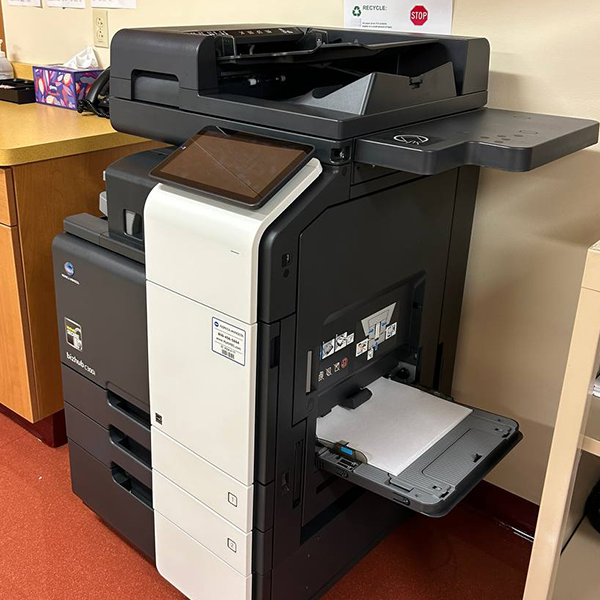
Releasing Print Job from Copier – Apollo2 Copier Interface Navigation
How to release and print a print job after sending your print task to Apollo2. “Follow You” printing will be used to select and print anything sent to the Apollo2 print server.
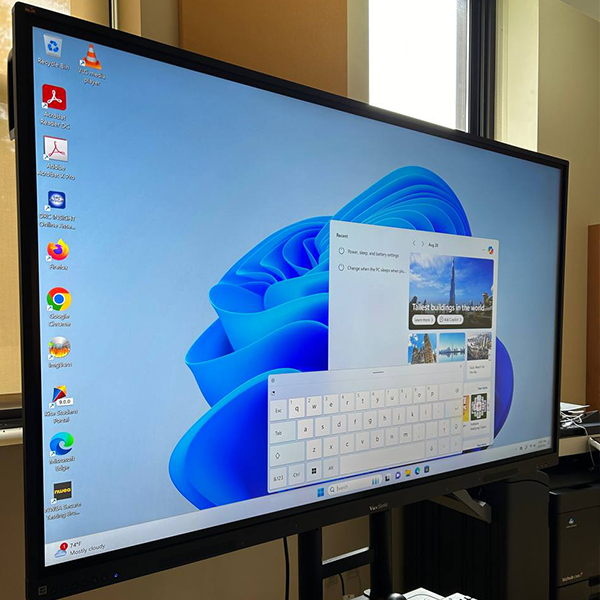
Enable Touch Keyboard for On-Board / Touch Screen Computers
This setting enables the touch keyboard to appear automatically when touch input is pressed on any enterable text box. (For example: Google Searching) Used for machines connected to interactive displays.

Set up and Arrange Multiple Displays on Windows 11 Machine
Do you have multiple displays / monitors on a Windows 11 Machine? Get help setting them up and arranging them.

How to Approve an Embedded Video
If you’re embedding a video in your presentation that you’d like students to be allowed to watch, learn how to approve the video.

Identify the name assigned to your computer for the purposes of troubleshooting with IT.

How to Change the Default Program for Opening PDFs
Learn how to automatically open PDFs via your Adobe application.